In today’s digital world, online events are a powerful way to connect, share knowledge, and grow your network.
Whether you’ve hosted events before or are just exploring new ways to engage your audience, LinkedIn has been a key player in professional event marketing.
But with recent changes to its event features you may have noticed a significant change- Standard LinkedIn Events and LinkedIn Audio Events are no longer available.
This shift means event organizers must adapt to new ways of hosting events on the platform.
Now, LinkedIn offers two primary options for hosting events:
1. LinkedIn Live – A streaming feature that allows you to broadcast live video content.
2. External Event Link – A flexible way to promote and manage events hosted on third-party platforms.
Understanding how to use these tools effectively can help you create engaging, high-impact events that drive meaningful results.
In this article, we’ll explore these formats, their benefits, and how to make the most of them.
What is LinkedIn Live?
LinkedIn Live allows businesses, content creators, and industry leaders to broadcast live video content to their professional network.
Unlike traditional LinkedIn events, it requires a third-party streaming tool such as Restream, StreamYard, or Zoom Webinar to facilitate the broadcast.
Key Benefits of LinkedIn Live
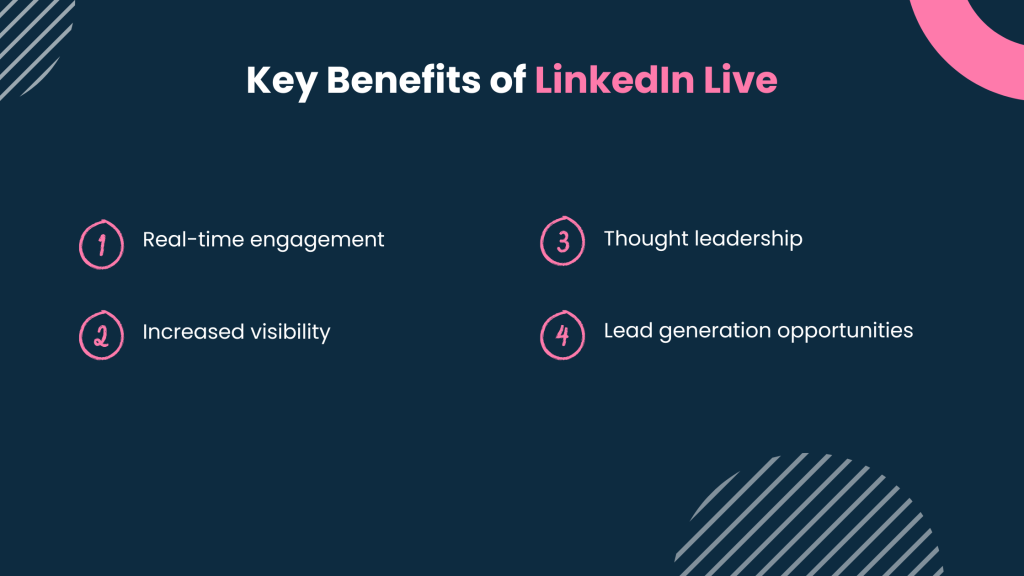
-Real-time engagement: Viewers can comment, ask questions, and interact during the live session.
-Increased visibility: Live videos often receive higher organic reach compared to standard posts.
-Thought leadership: Hosting live discussions positions you as an industry expert.
-Lead generation opportunities: Live events can direct traffic to websites, sign-up forms, and other key resources.
What is an External Event Link?
The External Event Link format allows you to promote an event on LinkedIn while hosting it on a third-party platform such as Zoom, Webex, Eventbrite, or your company website.
Instead of attendees joining the event within LinkedIn, they are directed to an external registration or streaming page.
Key Benefits of External Event Links
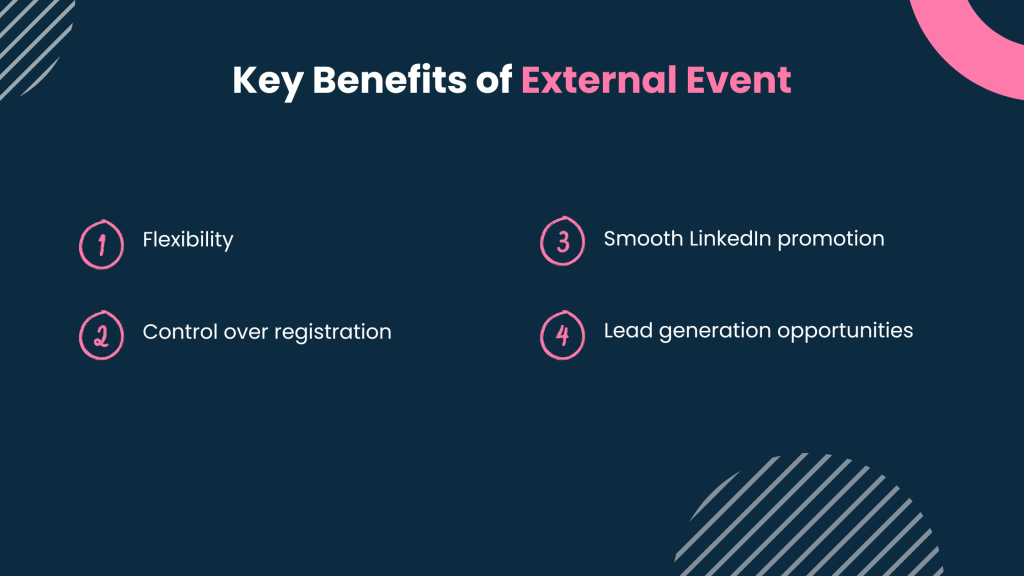
-Flexibility: Host events on platforms with advanced features like breakout rooms and attendee analytics.
-Control over registration: Collect participant data directly and manage attendance efficiently.
-Seamless LinkedIn promotion: Use LinkedIn’s network to attract attendees while running the event elsewhere.
-Custom branding and experience: Unlike LinkedIn Live, external platforms allow more customization of the event environment.
7 Steps to Set Up a LinkedIn Event
LinkedIn Live is not available to all users by default. You can check LinkedIn live access criteria to see if you qualify.
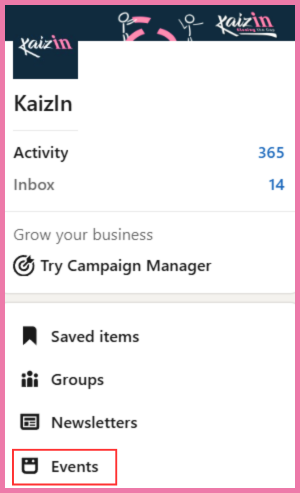
Step 1: Head to your LinkedIn homepage and look for the ‘Events’ section on the left-hand side of the page.
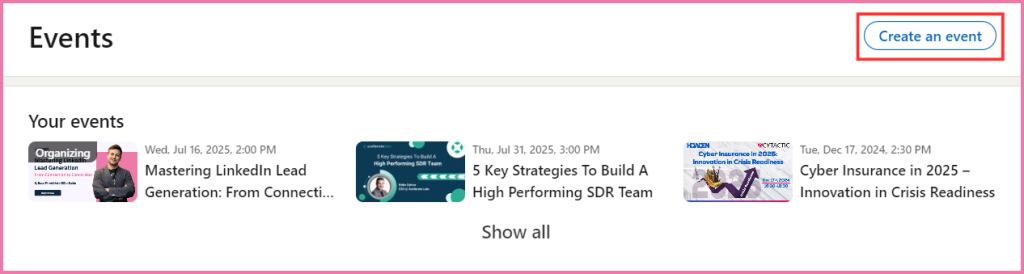
Step 2: Once you click on events you will see an option to create a new event.
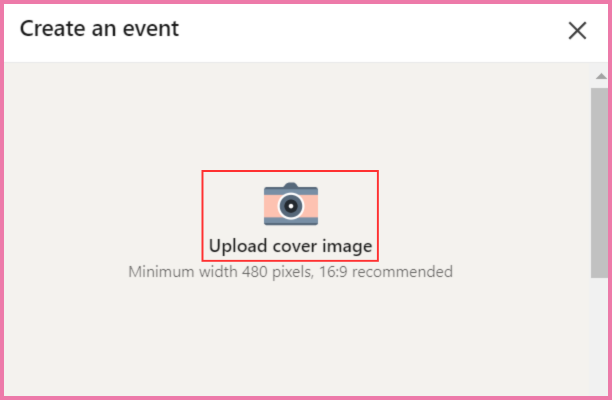
Step 3: The next thing is to upload a cover image that represents your event.
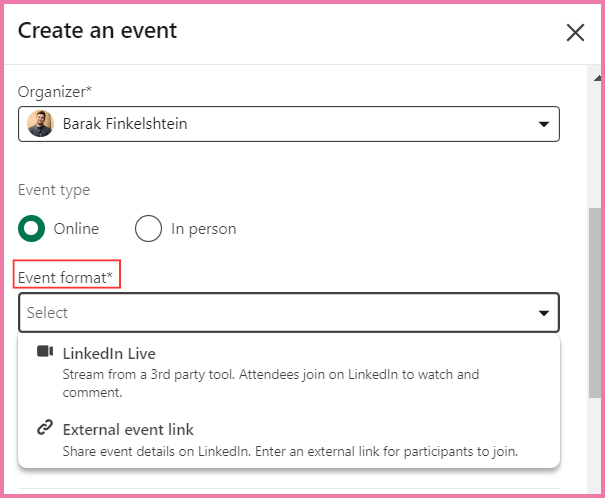
Step 4: You can choose the event format that you want to conduct.
*If you are choosing an External Event link then you simply need to Paste the URL from your chosen event platform (Zoom, Webex, E etc.).
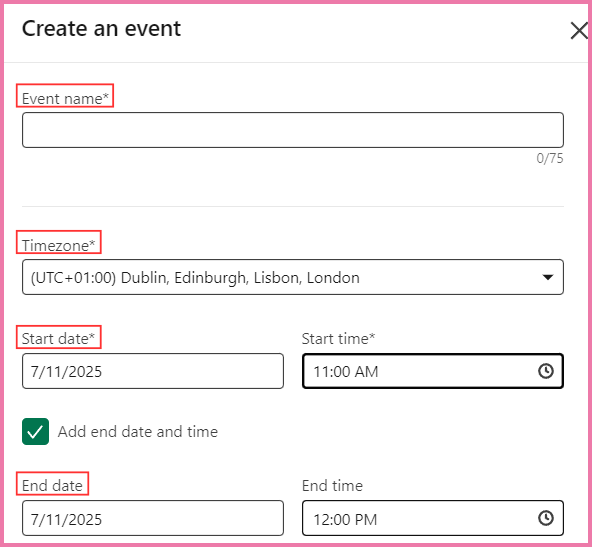
Step 5: Now you need to fill in the event details- Event Name, Date & Time.
Step 6: You need to write the description of your event which can explain what the event is all about or what topics will be covered in the event.
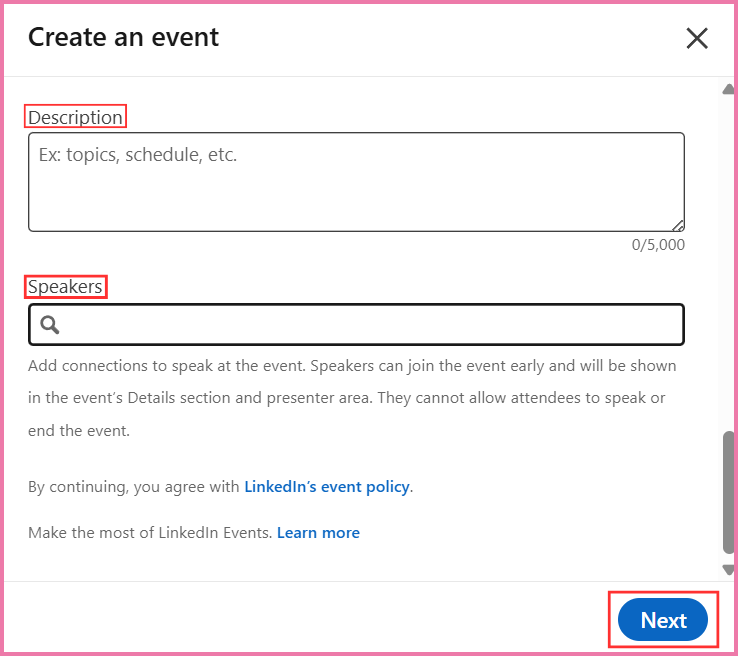
Step 7: After adding all the necessary information you can click next to finalize and post your event.
LinkedIn Live vs. External Event Link: Which One Should You Use?
|
Feature |
LinkedIn Live |
External Event Link |
|
Best for |
Webinars, live Q&As, product launches |
Conferences, training, structured workshops |
|
Where it’s hosted |
On LinkedIn |
External platforms (Zoom, Webex, etc.) |
|
Audience engagement |
Live comments and reactions |
Advanced features like breakout rooms |
|
Customization |
Limited to LinkedIn’s interface |
Full control over branding and experience |
|
Setup complexity |
Requires a third-party streaming tool |
Simple, just add a registration link |
Best Practices For Hosting A Successful LinkedIn Event
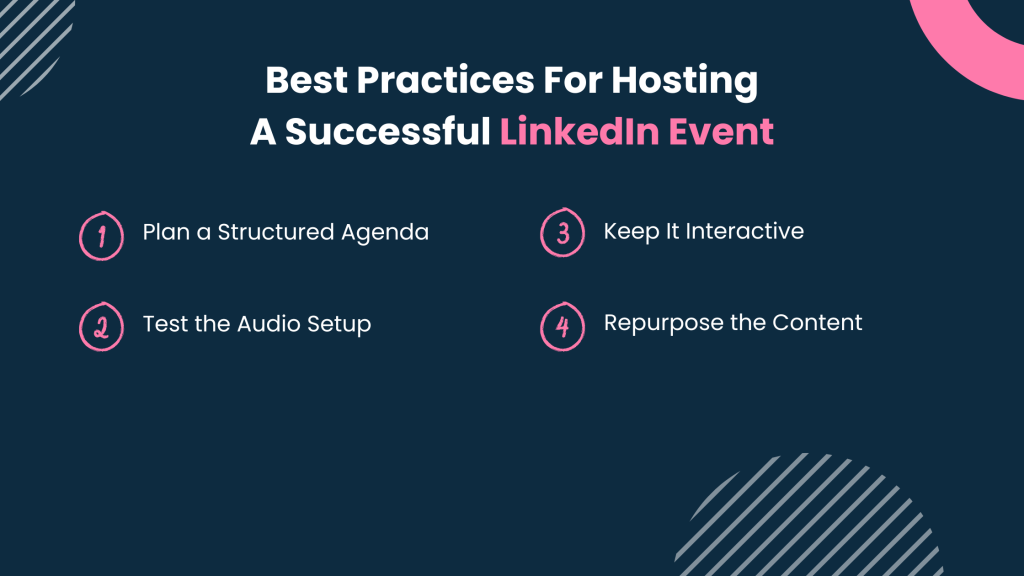
1. Plan a Structured Agenda
-Introduction (5 min) – Welcome attendees.
-Discussion (30-45 min) – Dive into key topics.
-Q&A (15 min) – Encourage audience participation.
-Closing (5 min) – Summarize insights and next steps.
2. Test the Audio Setup
-Conduct a trial run before the event.
-Assign a co-host to manage any technical issues.
3. Keep It Interactive
-Start with an icebreaker question.
-Allow audience participation – Let attendees raise their hands to speak.
-Use polls and shoutouts to keep engagement high.
4. Repurpose the Content
–Record the session using external tools (LinkedIn doesn’t offer recording yet).
–Convert key takeaways into blog posts or social media content.
Conclusion
As LinkedIn evolves, businesses and professionals must adapt to its changing event landscape.
Whether you choose LinkedIn Live for real-time engagement or an External Event Link for more control, both formats offer valuable ways to connect with your audience and enhance your brand presence.
By choosing the right event format, promoting effectively, and engaging attendees at every stage, you can maximize the impact of your LinkedIn events and create meaningful professional connections.